Worker settings
Worker settings control how your Private Deployment fleet behaves: the Chrome/Puppeteer version, concurrency and queue limits, session health checks, stealth mode, and experimental features. This page covers what each setting does and how to configure it.
- A Browserless Private Deployment fleet
Opening worker settings
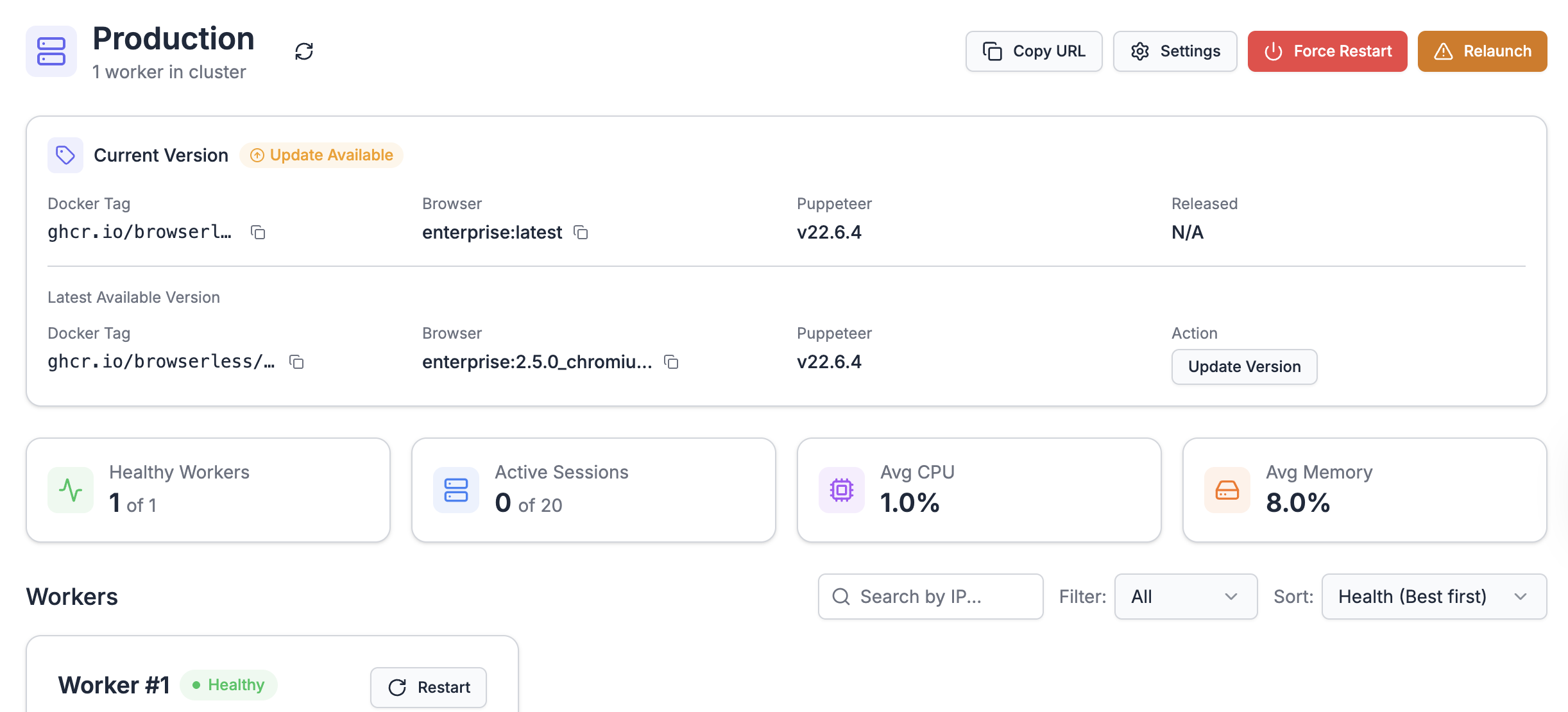
To open worker settings, log in to your browserless account, click the Production cluster icon, then click Settings.
Puppeteer version and global timeout
Use the first two dropdowns to select the Chrome/Puppeteer version and global timeout.
Supported chrome/puppeteer versions
Your workers run the latest image version by default. Browserless notifies you by email when a newer version is released. Workers update automatically on the next restart or relaunch. To pin to a specific version, select it from the dropdown.
For guidance on upgrading versions and V1→V2 breaking changes, see Image Versions.
Global timeout
When a session reaches the global timeout, Browserless terminates it.
If your script throws an unhandled exception, the browser process may not exit. It hangs and consumes a concurrency slot until the global timeout fires. Implement exception handling to close browsers reliably.
Concurrency and Queue
Adjust concurrency and queue limits with the slider.
Concurrency tips
If you see many timeouts or errors but few queued sessions, your worker may be resource-constrained. Lower the concurrency limit so sessions queue before the worker runs out of resources.
Queue tips
If you use an external queue, set queue length to 0. Browserless returns an error immediately when the concurrency limit is reached. Due to async request handling, occasional requests may still enter the queue when the limit is 0; this is expected behavior.
Session health checks
When session health checks are enabled, Browserless checks worker health before accepting each connection. If the worker cannot handle another request, it returns a 5xx response. Disabling this routes all requests to the worker regardless of its current health.
Workers on dedicated fleets are configured with a 90% CPU and memory threshold. When utilization exceeds this, health checks fail and new requests receive HTTP 500 with "Health checks have failed, rejecting". See Performance and Capacity for guidance.
Stealth mode
Stealth mode applies puppeteer-extra-plugin-stealth to your sessions, injecting simulated user behavior to help avoid basic bot detection.
Experimental features
These features are experimental. Test them carefully before enabling in production.
Pre-boot Chrome
Pre-boot Chrome launches browsers before they're needed, shaving a few milliseconds off session start time. For most workloads, the extra open browsers increase memory pressure and slow sessions. This option helps only when concurrency is set to 3 or fewer.
Enable GET APIs
Enable GET API handlers to call REST endpoints via HTTP GET. Use this when routing Browserless requests through a CDN or cache layer. See GET APIs.
Do not call the hosted service from the browser. This exposes your API token.
Automatic health restarts
When CPU or memory stays above 90% for 5 minutes, Browserless restarts the worker automatically. See exiting on health failure.
Fleet operations
The dashboard provides three operations for managing your fleet. See Fleet Operations for full details on when to use each.
- Restart Worker: restarts the Browserless service on a single worker (same hardware)
- Force Restart: restarts all workers simultaneously (same hardware)
- Relaunch: provisions new VMs using blue-green deployment. IP addresses change. Takes 5–10 min.
FAQ & Troubleshooting
How do I get a Browserless Private Deployment fleet?
Contact sales@browserless.io or visit the pricing page for Enterprise plan details.
Can I run Browserless on my own infrastructure?
Yes. Enterprise customers can self-host using the Docker image. See Docker deployment for setup instructions.